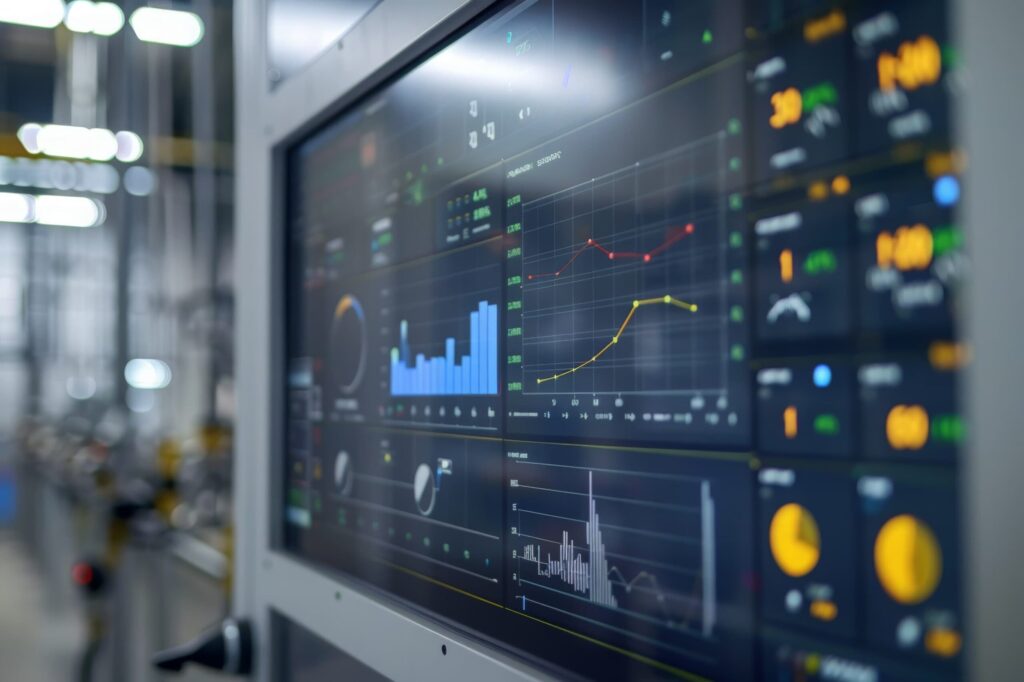
Industrial touchscreen monitors are widely used as human-machine interfaces (HMI) in manufacturing, transportation, and energy infrastructure. Unlike consumer displays, industrial touchscreen monitors must operate reliably under harsh environmental conditions while maintaining precise and responsive touch interaction. Their design therefore integrates rugged materials, environmental sealing, electromagnetic compatibility, and specialized touch technologies.
Key design considerations for industrial touchscreen monitors include environmental resistance, mechanical durability, surface treatments, electromagnetic compatibility, and the advantages and limitations of major touchscreen technologies such as resistive and projected capacitive (PCAP).
Environmental and Harsh-Condition Resistance
Industrial environments expose electronic equipment to temperature extremes, vibration, moisture, and contaminants. As a result, industrial touchscreen monitors are typically designed with ruggedized enclosures, sealed interfaces, and wide-temperature electronic components.
Temperature Range
Industrial monitors often operate in temperature ranges such as:
- Standard industrial: −20 °C to +60 °C
- Extended industrial / military: −40 °C to +85 °C
Thermal management may include passive heat sinks, conduction cooling, and the integration of wide-temperature LCD panels.
Moisture and Dust Protection
Industrial displays are commonly designed with IP-rated enclosures:
- IP65: dust-tight and protected against water jets
- IP67: dust-tight and protected against temporary immersion
Sealed front panels, gasketed connectors, and conformal coating on internal electronics are commonly used.
Vibration and Shock
Applications such as heavy machinery, vehicles, and marine equipment expose displays to mechanical vibration and impact. Rugged industrial monitors, therefore, often incorporate:
- Metal chassis or die-cast aluminum frames
- Shock-absorbing mounting structures
- optical bonding between LCD and cover glass to reduce internal movement and cell gap distortion
Industrial “armored” touch systems may also include reinforced glass and internal shock protection for high-vibration environments.
Impact Resistance
Impact resistance is essential for equipment installed on manufacturing floors, in vehicles, or in public kiosks.
Cover Glass Materials
Typical cover glass options include:
- Soda-lime glass (standard strength)
- Chemically strengthened glass (e.g., ion-exchange strengthening)
- Tempered glass
- Polycarbonate overlays for extreme impact environments
Thickness typically ranges from 1 mm to 6 mm for industrial PCAP displays, though thicker laminated structures may be used in transportation systems.
IK Ratings
Some industrial monitors follow the IK impact protection scale, commonly:
- IK07–IK08: moderate impact protection
- IK10: vandal-resistant (20 J impact)
Surface Durability and Chemical Resistance
Industrial touchscreen surfaces must withstand repeated contact with tools, gloves, and aggressive cleaning chemicals.
Abrasion Resistance
Surface durability is typically achieved using:
- Chemically strengthened glass
- Hard coatings (7H–9H pencil hardness)
- Anti-scratch coatings
Some resistive touchscreens may use flexible plastic layers, which are more susceptible to scratching and wear over time.
Chemical Resistance
Industrial equipment may be exposed to:
- Oils and lubricants
- Cleaning solvents
- Disinfectants (medical equipment)
- Salt spray (marine environments)
Protective treatments often include:
- Oleophobic coatings
- Anti-chemical coatings
- Laminated glass surfaces
These coatings prevent degradation of optical clarity and touch accuracy.
Electromagnetic Compatibility (EMI / EMC)
Industrial environments frequently contain motors, power electronics, and communication systems that generate significant electromagnetic interference.
EMI Considerations
Touchscreen monitors must maintain accuracy despite the electrical noise produced by:
- Large motors
- Welding equipment
- Switching power supplies
- RF transmitters
Advanced controllers and shielding methods help maintain reliable touch detection in such environments. Also, the microchip selection for PCAP is particularly critical, as some are more susceptible to noise, leading to reduced accuracy or malfunctions.
Compliance Standards
Industrial touchscreen monitors may comply with standards such as:
- IEC 61000-4 series – electromagnetic immunity
- FCC Part 15 / CISPR 32 – emissions
Noise filtering and grounded conductive layers are often used to improve immunity; these might include micromesh or ITO grounding layers.
Industrial Touchscreen Monitors Technology: Resistive vs Projected Capacitive (PCAP)
Two primary touch technologies dominate industrial displays: resistive and projected capacitive (PCAP).
Resistive Touch Technology
Operating Principle
Resistive touchscreens consist of two conductive layers separated by a small gap. When pressure is applied, the layers contact each other, and the system detects the position via voltage measurements. The number of contacting wires varies and ranges from 4-wire to 8-wire.
Advantages
- Works with gloves, stylus, or tools
- Reliable with water, oil, or dust contamination
- Lower cost
- Simple electronics
These characteristics made resistive touch popular in early industrial control systems.
Disadvantages
- Lower optical clarity due to multiple layers and an air gap
- Surface film can scratch or wear unless a microglass layer is integrated
- Reduced brightness (light transmission loss)
Resistive displays, therefore, tend to be used in legacy systems, simple control interfaces, or where specific EMI performance requirements for large applications make PCAP use impractical.
Projected Capacitive (PCAP) Technology
Operating Principle
PCAP touchscreens detect changes in an electrostatic field created by electrodes embedded in a glass layer. Contact with a conductive object (such as a finger) distorts the field and enables the system to determine the touch location.
Advantages
- Multi-touch capability
- High optical clarity
- Durable glass surface
- Supports modern gesture interfaces
- Long service life (tens of millions of touches)
Modern PCAP systems also support operation through gloves and can function with thicker cover glass for rugged environments.
Disadvantages
- More expensive than resistive systems
- May require tuning for operation with water or electrical noise
- Not compatible with all gloves without specialized firmware
- Emissive technology might not meet EMI requirements
Comparison Summary
| Feature | Resistive | PCAP |
|---|---|---|
| Touch Detection | Pressure | Electrostatic Field |
| Optical Clarity | Possible | Yes |
| Optical Clarity | Moderate | High |
| Surface Durability | Excellent | Good (modern controllers) |
| Surface Durability | Lower (unless micro glass is integrated) | High (glass) |
| EMI Susceptibility | Low | Moderate |
| Typical Use | Industrial Controls | Modern HMIs |
Display Sizes for Industrial Touchscreen Monitors
Industrial touchscreen monitors are available in a wide range of sizes depending on the application.
Typical ranges include:
| Application | Typical Size |
|---|---|
| Embedded Control Panels | 5–10 in |
| Machine HMIs | 10–15 in |
| Industrial Workstations | 15–24 in |
| Supervisory Control/Dashboards | 24–55+ in |
Resistive displays are less common above ~24 inches due to cost and optical limitations, whereas PCAP displays scale easily to large displays.
Electrical and Interface Connectors
Industrial touchscreen monitors use several interface standards depending on the system architecture.
Video Interfaces
Common display interfaces include:
- HDMI
- DisplayPort
- DVI
- VGA (legacy)
- LVDS (embedded panels)
- MIPI-DSI (mobile/embedded devices)
Touch Controller Interfaces
Touch data from the controller is typically transmitted using:
- USB
- I²C
- SPI
- Serial interfaces
Many industrial touch controllers communicate via I²C, especially in embedded systems.
Power and Industrial Connectors
Industrial systems frequently use rugged connectors such as:
- M12 circular connectors
- Locking USB
- Industrial Ethernet (RJ45 with locking)
Typical Applications for Industrial Touchscreen Monitors
Industrial touchscreen monitors are used across many sectors:
- Factory automation and robotics
- CNC machine control
- Transportation systems
- Marine navigation
- Energy and oil-and-gas monitoring
Their ability to replace mechanical controls while maintaining rugged reliability makes them a critical interface technology in modern industrial systems.
Conclusion
Industrial touchscreen monitors combine rugged mechanical design, durable surface materials, electromagnetic compatibility, and advanced touch technologies to ensure reliable operation in demanding environments. While resistive touchscreens remain valuable for simple interfaces and heavy-glove operation, projected capacitive technology has become the dominant solution for modern industrial HMIs due to its superior optical performance, durability, and multi-touch capability. Selecting the appropriate technology requires careful consideration of environmental conditions, operator interaction, EMI exposure, and lifecycle requirements.
Designing reliable touchscreen systems for harsh environments requires expertise in display integration, touch controller tuning, optical bonding, and electromagnetic compatibility.
Cevians specializes in rugged display technologies engineered for aerospace, defense, and industrial applications. Our engineering team partners with OEMs on custom AMLCD integration, optical bonding, touch controller tuning, and EMI mitigation; bringing the full stack of display expertise to programs where failure is not an option.
Discover how Cevians can help support the success of your next mission and contact us today.

